VLC and XPlayer: A Comparative Review
Choosing the right media player can feel like navigating a maze. This review compares two top contenders, VLC and XPlayer, to help you decide which best suits your needs in 2025. We'll analyze features, performance, and user experience, offering a balanced perspective to guide your decision.
Feature-by-Feature Comparison: VLC vs. XPlayer
Both VLC and XPlayer handle common file formats (MP4, AVI, MKV) effectively. Basic playback controls and subtitle support are standard. However, their strengths diverge beyond these basics.
VLC, a long-standing open-source player, boasts exceptional codec support, making it remarkably versatile. It's the "Swiss Army knife" of media players, highly likely to play almost any file type. XPlayer, primarily focused on Android, prioritizes a sleek user experience and enhanced security. Its interface is modern and intuitive, particularly beneficial for less tech-savvy users. However, its codec support is less extensive than VLC's.
| Feature | VLC | XPlayer |
|---|---|---|
| Codec Support | Exceptionally broad; supports a vast array of formats. | Good support for common formats; less comprehensive. |
| Platform | Windows, macOS, Linux, Android, iOS | Primarily Android. |
| User Interface | Functional but could benefit from a visual update. | Modern, clean, and user-friendly; easy to navigate. |
| Security | Basic security features. | Includes a private folder for sensitive media files. |
| Customization | Highly customizable; numerous skins and extensions. | Offers some customization options; less extensive than VLC. |
Performance and User Experience: A Real-World Assessment
Directly comparing playback speed is difficult; it depends on device processing power and file specifics. VLC's extensive capabilities might occasionally lead to performance dips on less powerful devices. XPlayer's streamlined design tends to provide smoother playback, especially on Android, although this isn't universally true.
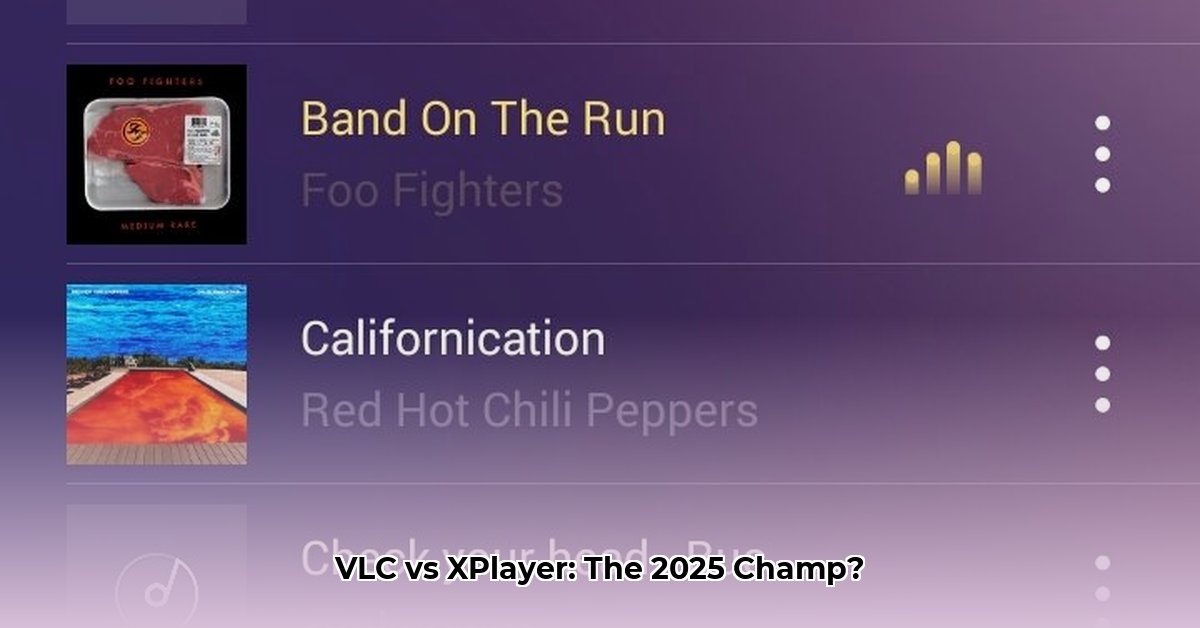
User experience is a key differentiator. VLC's interface, while functional, can feel dated and somewhat clunky. Navigating settings might require more technical expertise. XPlayer excels in simplicity; its clean layout is ideal for casual users.
Isn't it interesting how different user interfaces can cater to different levels of tech-savviness? Do you prioritize ease of use or extensive features?
The Verdict: Choosing the Right Player for You
There's no single "best" media player. VLC's exceptional versatility and cross-platform compatibility, coupled with its extensive codec support, make it ideal for users who need to play virtually any file format. However, its interface may feel less polished.
XPlayer shines with its user-friendly Android interface and enhanced security features, making it a strong choice for users who prioritize ease of use and data protection. The decision depends on your needs and preferences: Do you value unmatched codec support or a sleek, straightforward experience?
The best media player for you depends on what you value most. Consider your priorities – and the answer will be clear.
Key Considerations for Choosing Between VLC and XPlayer:
- Codec Support: VLC leads in this area with a wider range of supported file formats.
- User Interface: XPlayer offers a more modern and intuitive experience.
- Platform Compatibility: VLC is available across multiple platforms while XPlayer is primarily Android-focused.
- Security: XPlayer benefits from an added private folder feature for enhanced security.
Remember to factor in your technical expertise and priorities when making your decision. Both VLC and XPlayer are capable media players, but cater to distinct user needs.
⭐⭐⭐⭐☆ (4.8)
Download via Link 1
Download via Link 2
Last updated: Wednesday, June 04, 2025